

AWS Estate Discovery
Use this scan to build a complete picture of your AWS estate (every service, account, region, and your cost profile) using native AWS APIs. No server credentials are needed. Set up AWS access first, then run the scan wizard.
Before you start
Complete the setup in AWS Requirements before running this scan.
No server credentials are needed. You will need:
- A collector host inside your AWS environment
- A collector identity and a scan role in each target account
- AWS Config and Cost Explorer enabled
- The list of AWS accounts and regions you want scanned
Running the scan
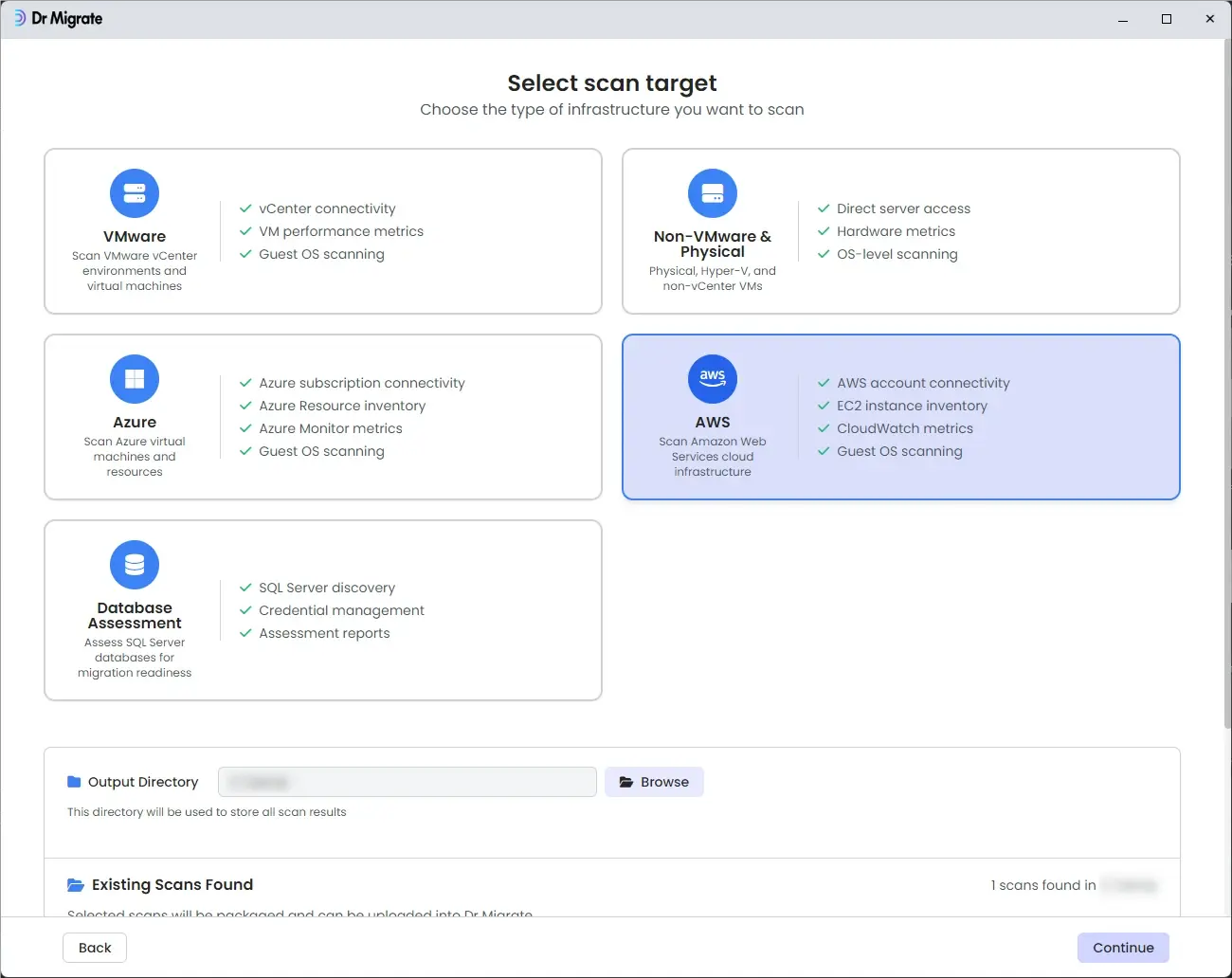
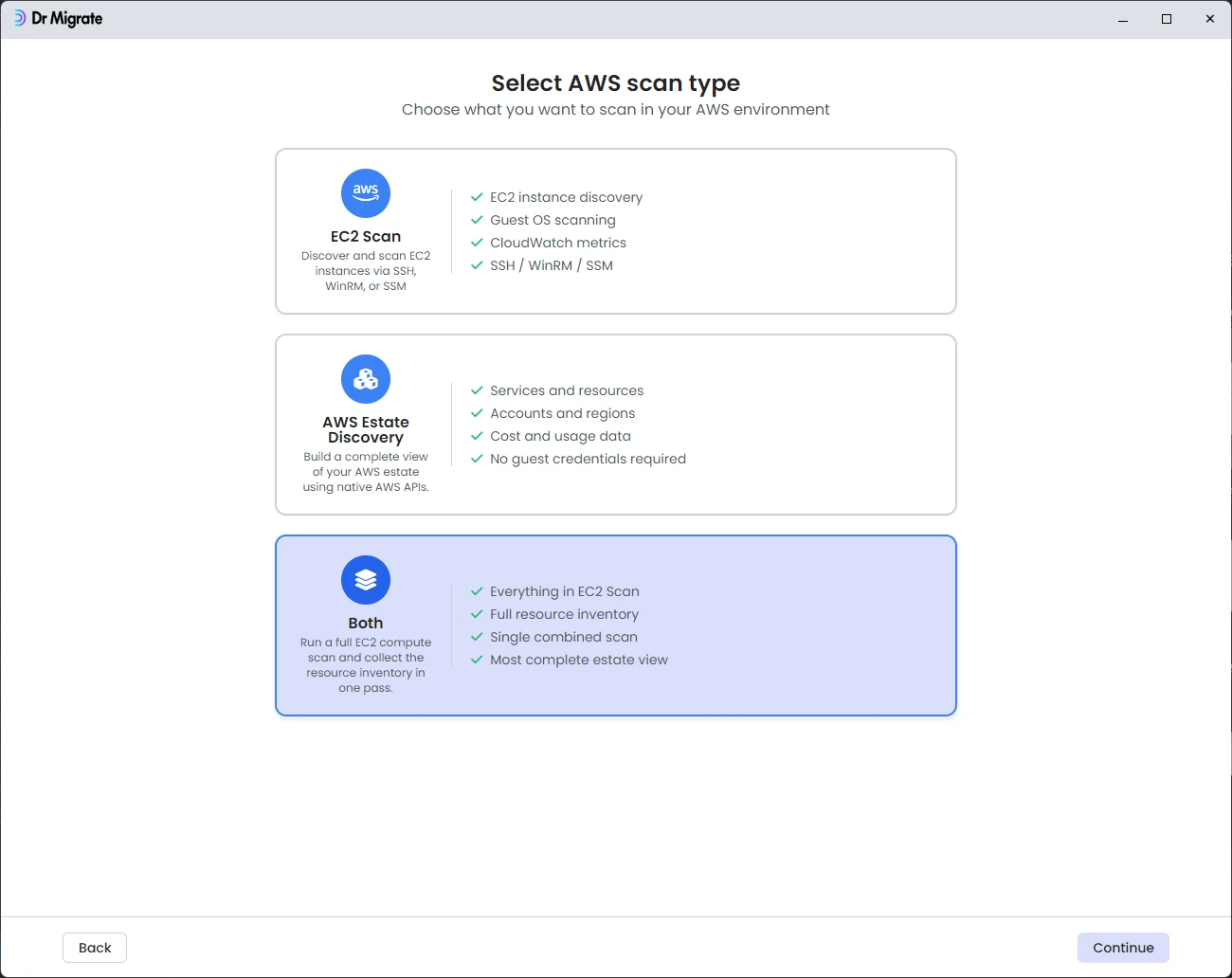
Launch DMC on the collector host. Click through the welcome screen, select AWS as the scan target, then select AWS Estate Discovery. The wizard then walks through four screens.
AWS Configuration
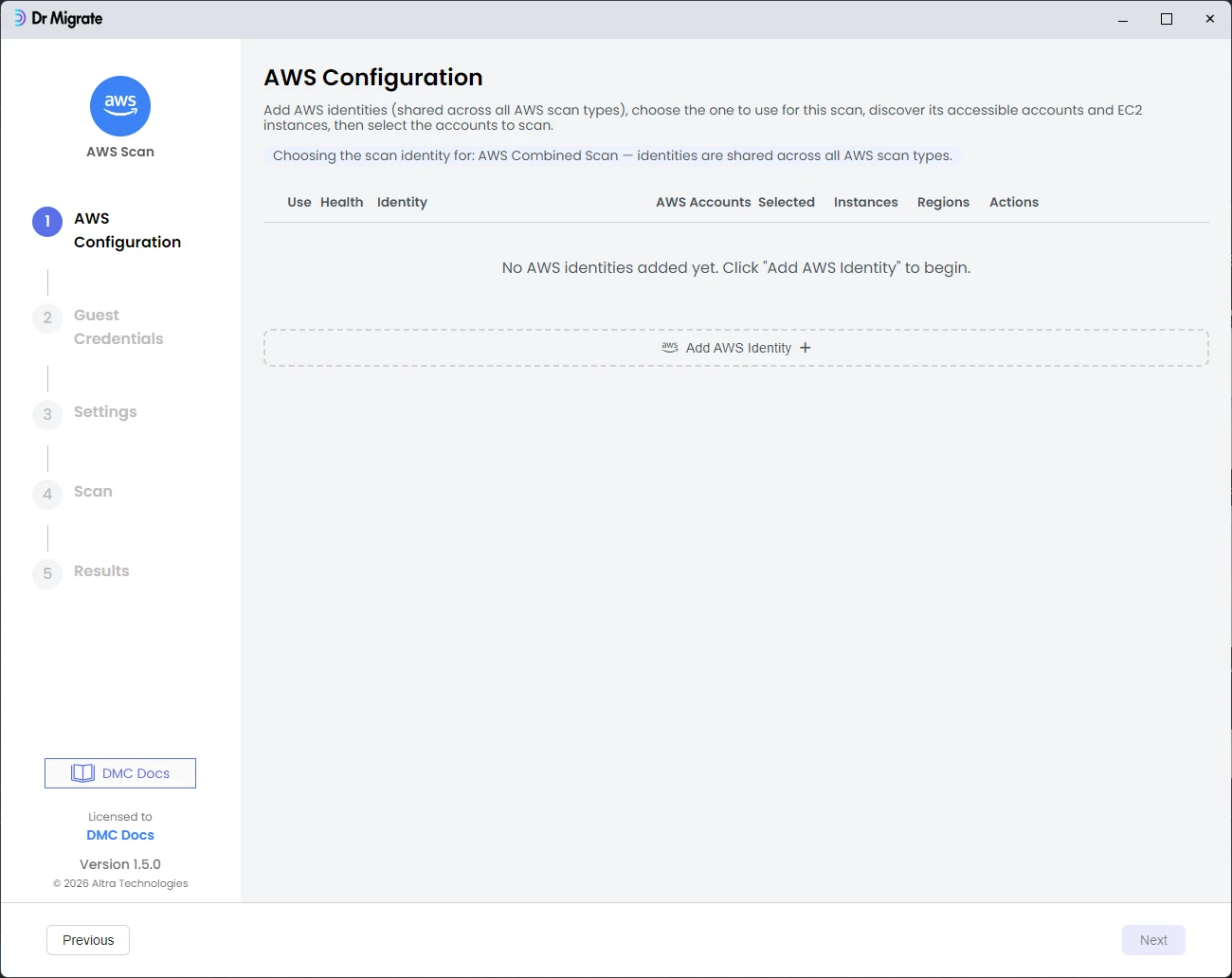
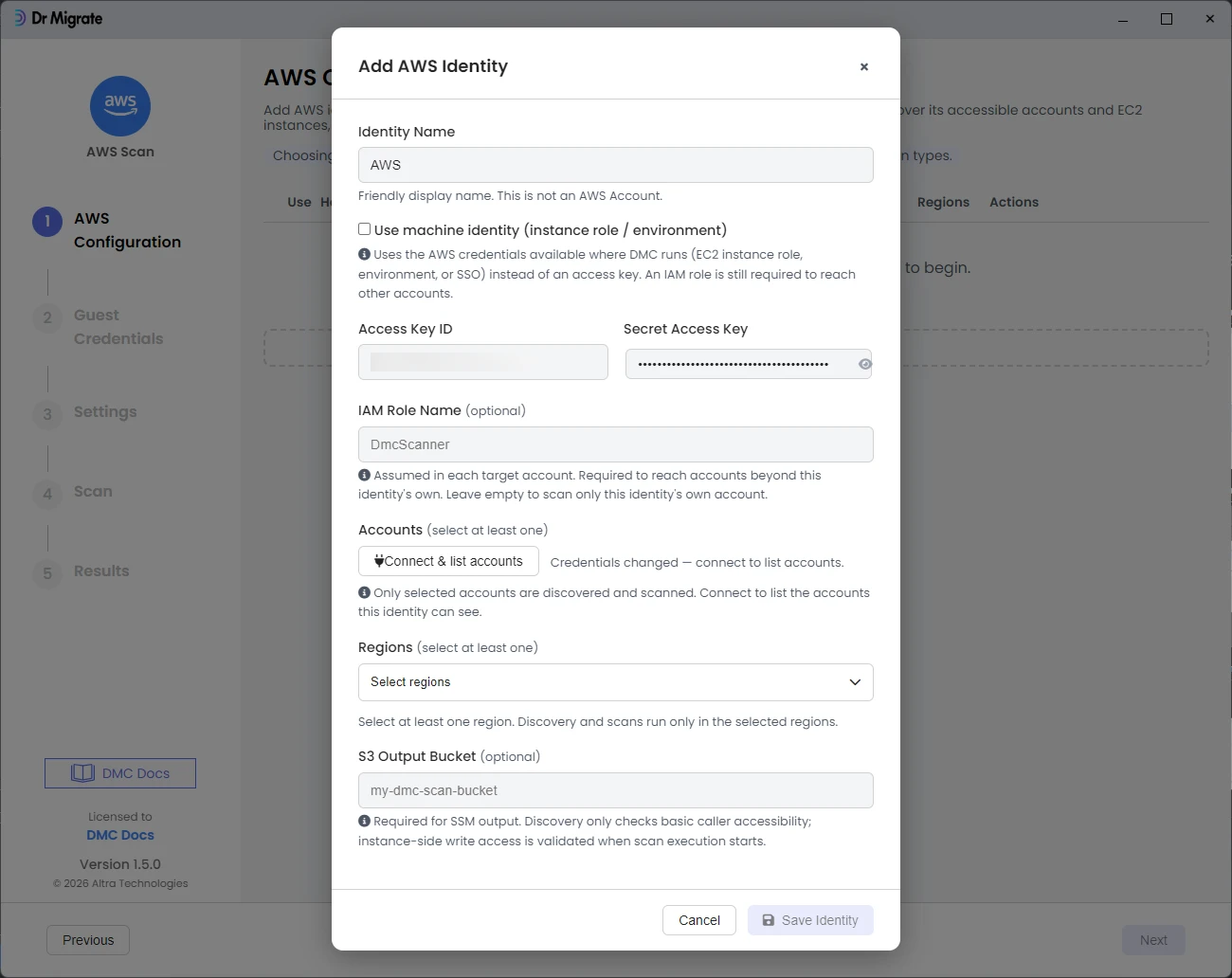
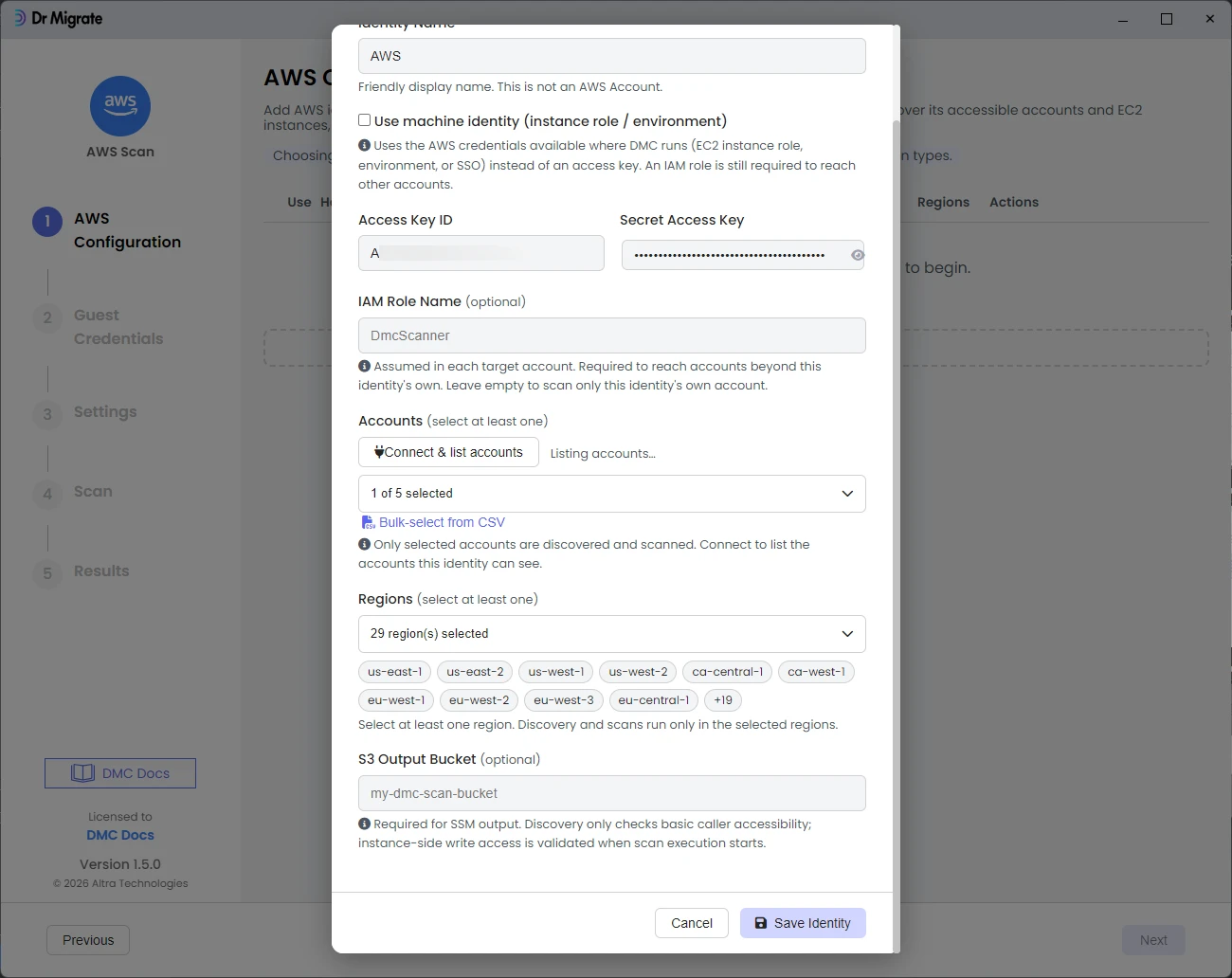
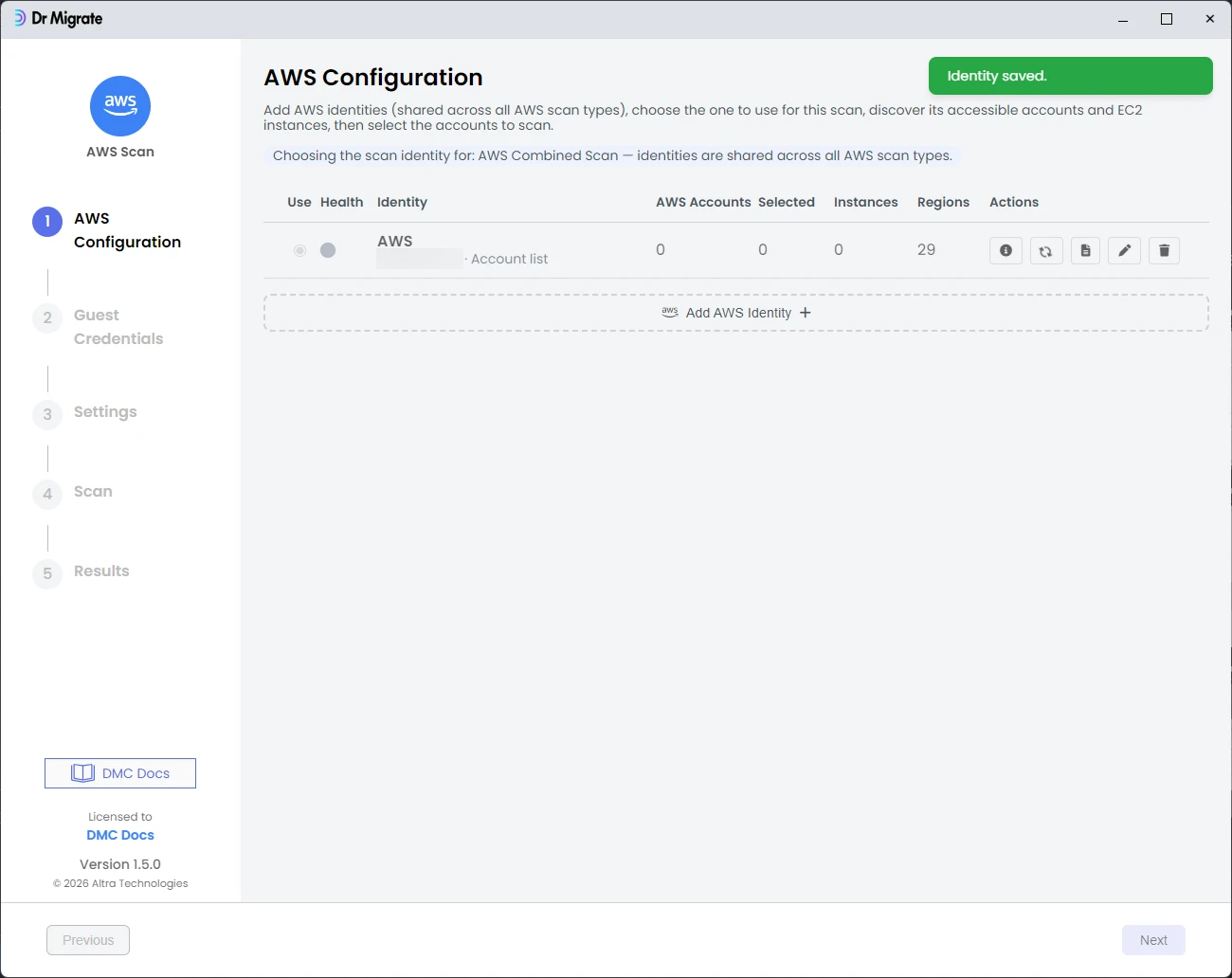
Add an AWS identity so DMC can reach your accounts. Enter a label and the ARN of the collector role, click Add to validate and list the accounts it can reach, then select the regions to include and save the identity.
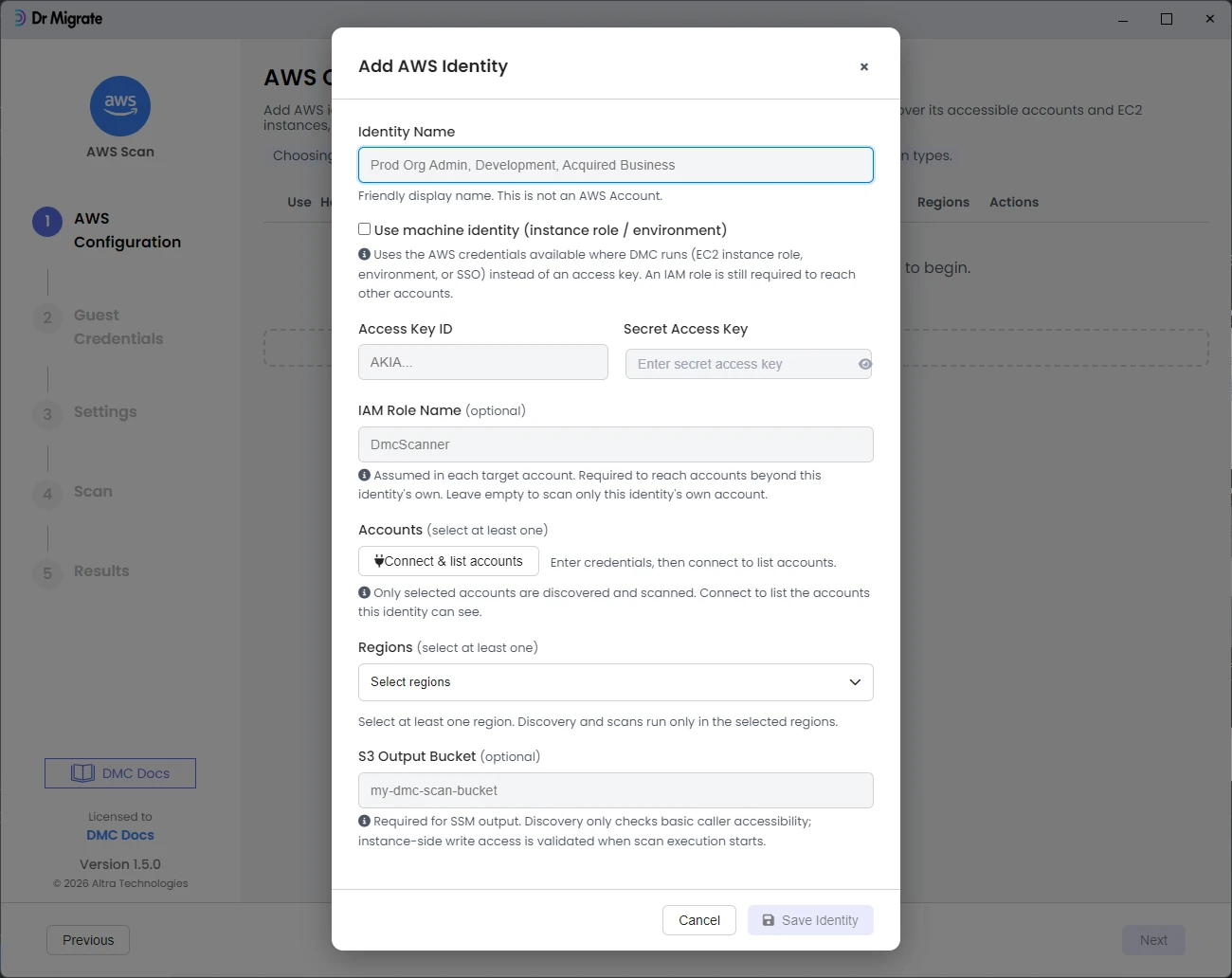
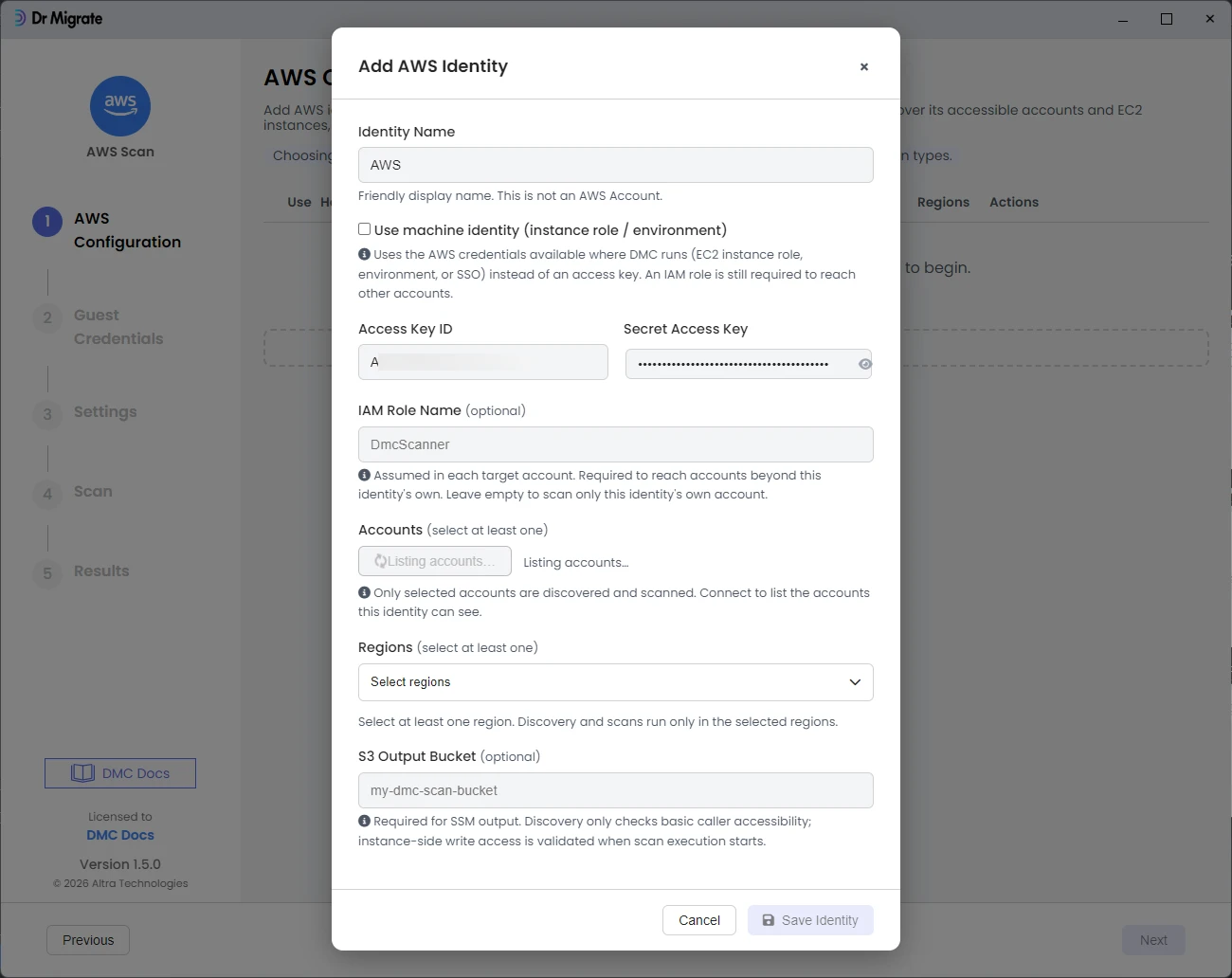
If only your own account appears here, organizations:ListAccounts may be blocked at the AWS Organizations level rather than by IAM. See AWS Requirements for how to enable multi-account discovery.
Settings
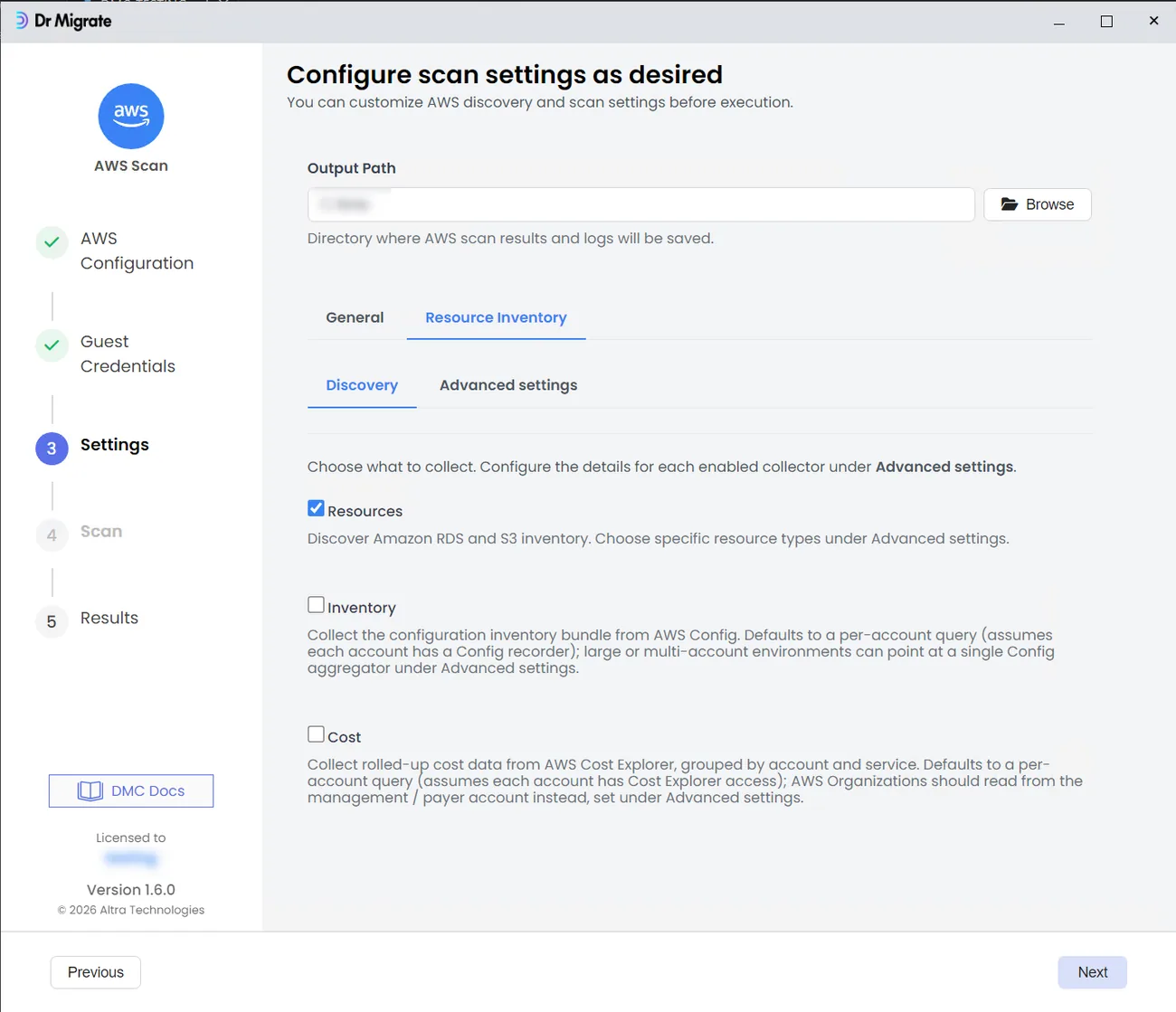
Choose which collectors to run under Discovery, then configure each enabled one under Advanced settings:
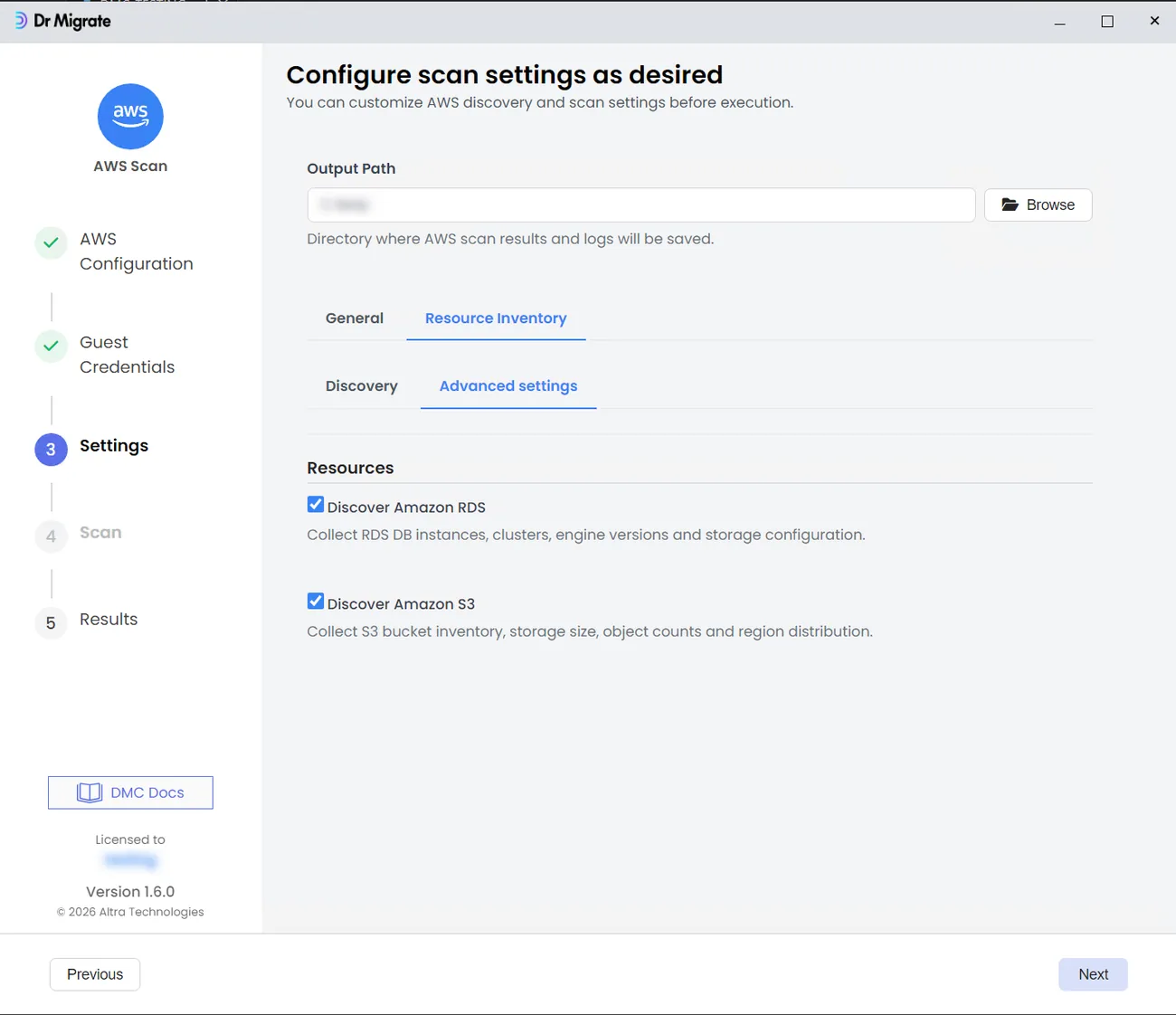
- Resources: Amazon RDS and S3 inventory (enabled by default). Pick the specific resource types under Advanced settings.
- Inventory: the AWS Config configuration bundle. Defaults to a per-account query that assumes each account has a Config recorder; for large or multi-account environments, point it at a single Config aggregator under Advanced settings.
- Cost: rolled-up Cost Explorer data by account and service. Defaults to a per-account query that assumes each account has Cost Explorer access; for an AWS Organization, read from the management or payer account under Advanced settings, and choose the cost period and whether to include resource-level cost detail.
Scan
The Scan screen shows how many accounts and regions are in scope. Click Run Scan. DMC shows real-time progress in the console output as it queries each account.
Results
When the scan completes, DMC produces a password-protected ZIP. Hand it to your Dr Migrate contact or import it yourself.
Confirm it worked
Before you finish, confirm:
- The collector host can reach AWS APIs on port 443
- The collector identity can assume the scan role with no "access denied"
- AWS Config returns resources (not empty)
- Cost Explorer returns cost data for the selected accounts
- The export ZIP is created and you have its password
Common issues
| Symptom | Fix |
|---|---|
| "AssumeRole denied" | Check the scan role trust policy names the correct collector identity ARN. |
| AWS Config inventory empty | Confirm Config is enabled and recording the resource types you expect. See Turn on AWS Config. |
| Cost Explorer returns no data | Confirm it's enabled, the billing scope is correct, and the first refresh has completed. See Turn on Cost Explorer. |
| No regions found | Confirm ec2:DescribeRegions is allowed, or select regions manually. |